
Personal cards
Name, title, company, photo, banner, contact & socials. Empty fields stay hidden.
CardKit is a lean PWA for personal digital business cards — share by link or QR, secure and independent on your own NAS.
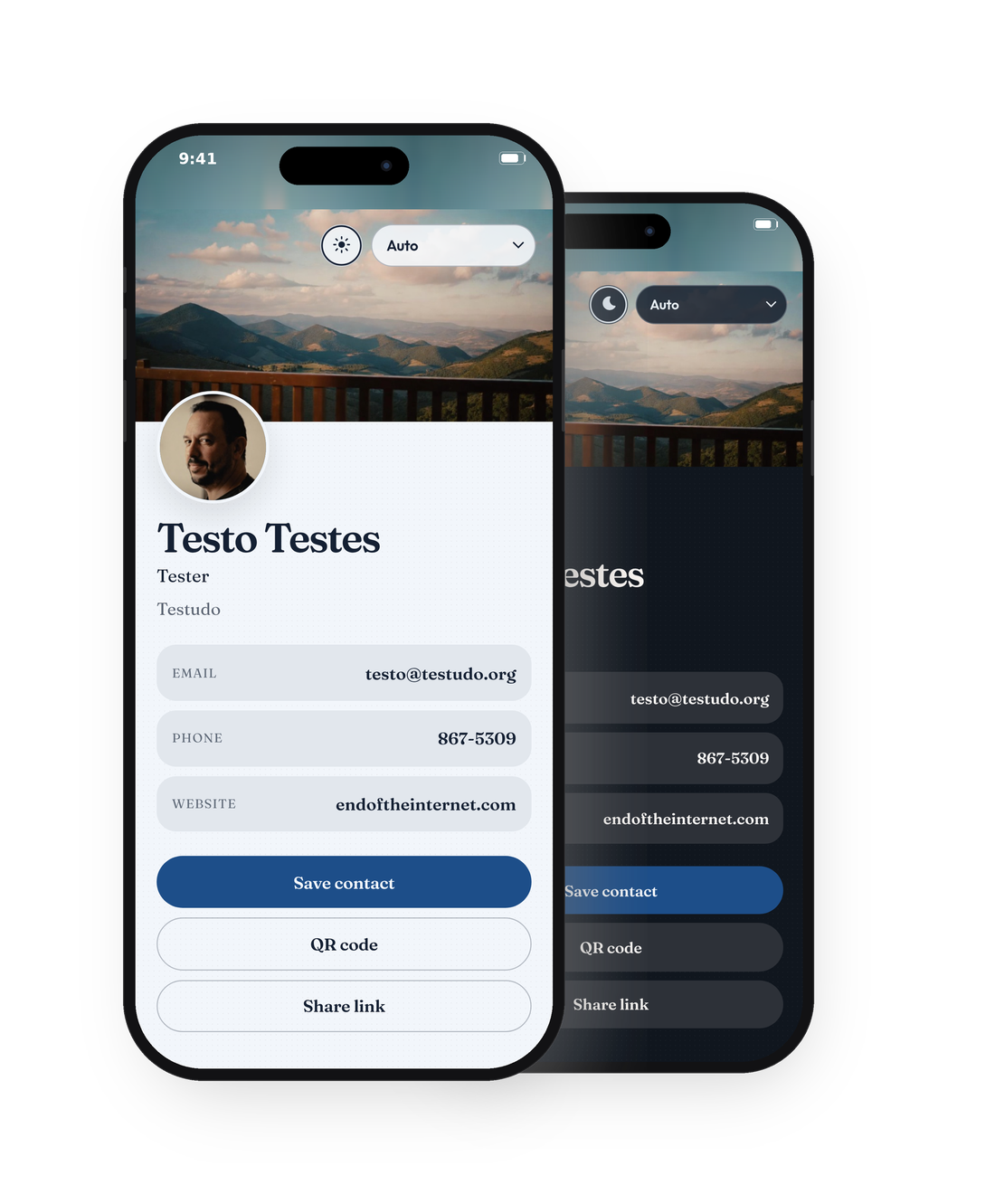
Create your own cards, share, and save — no org admin and no SaaS baggage.
Name, title, company, photo, banner, contact & socials. Empty fields stay hidden.
Create as many cards as you need — personal, business, side hustle, or different companies — and keep each identity separate.
Add the PWA to your Home Screen and the card’s profile photo becomes the app icon. With multiple cards, the installed PWA dynamically shows a picker so you can choose which card to open; one card opens directly.
QR for link or contact file. Save contact as .vcf.
Red, yellow, blue, green, orange, gray — or a custom accent. Light/dark included.
Available in 28 languages*.
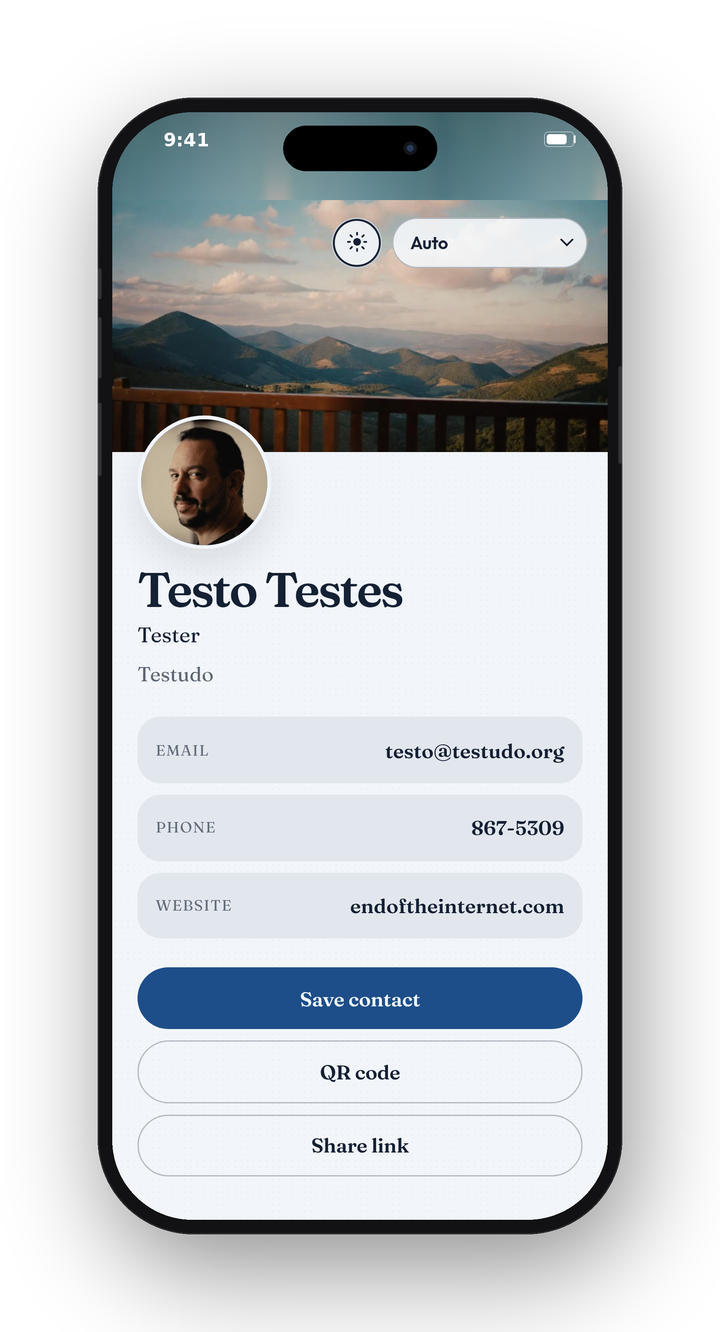
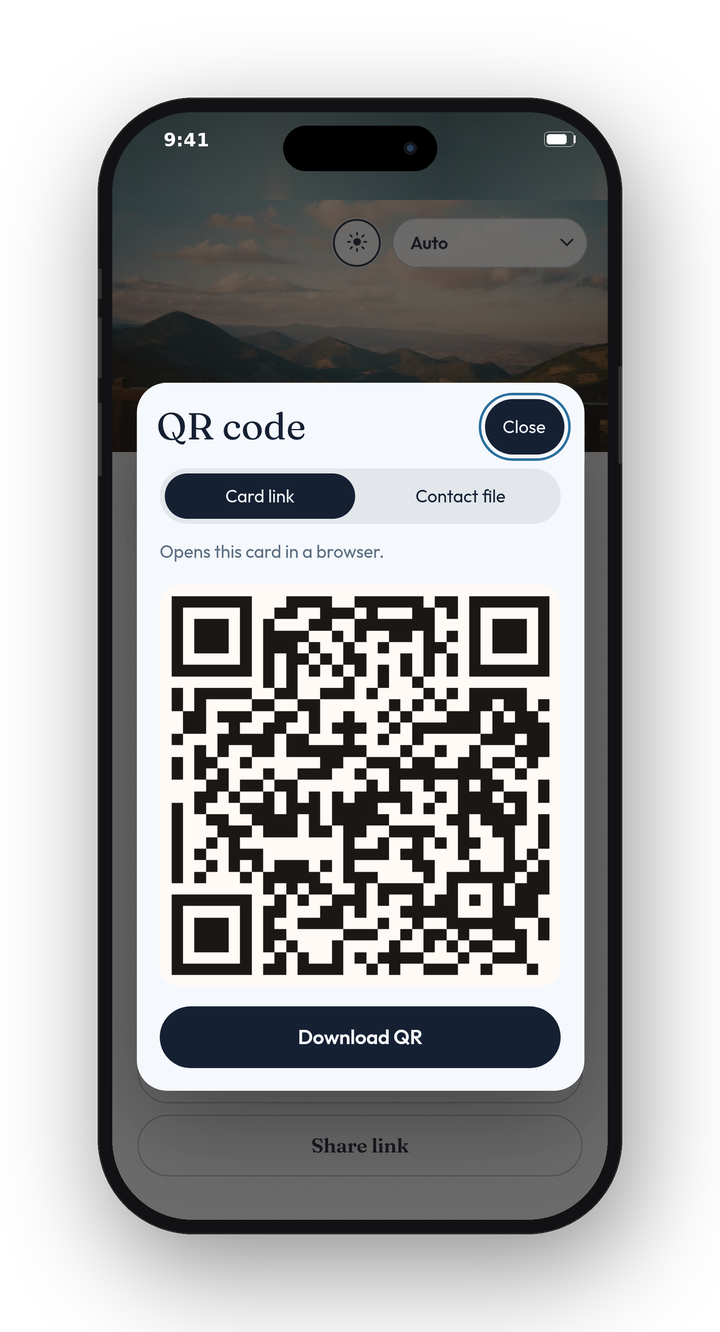
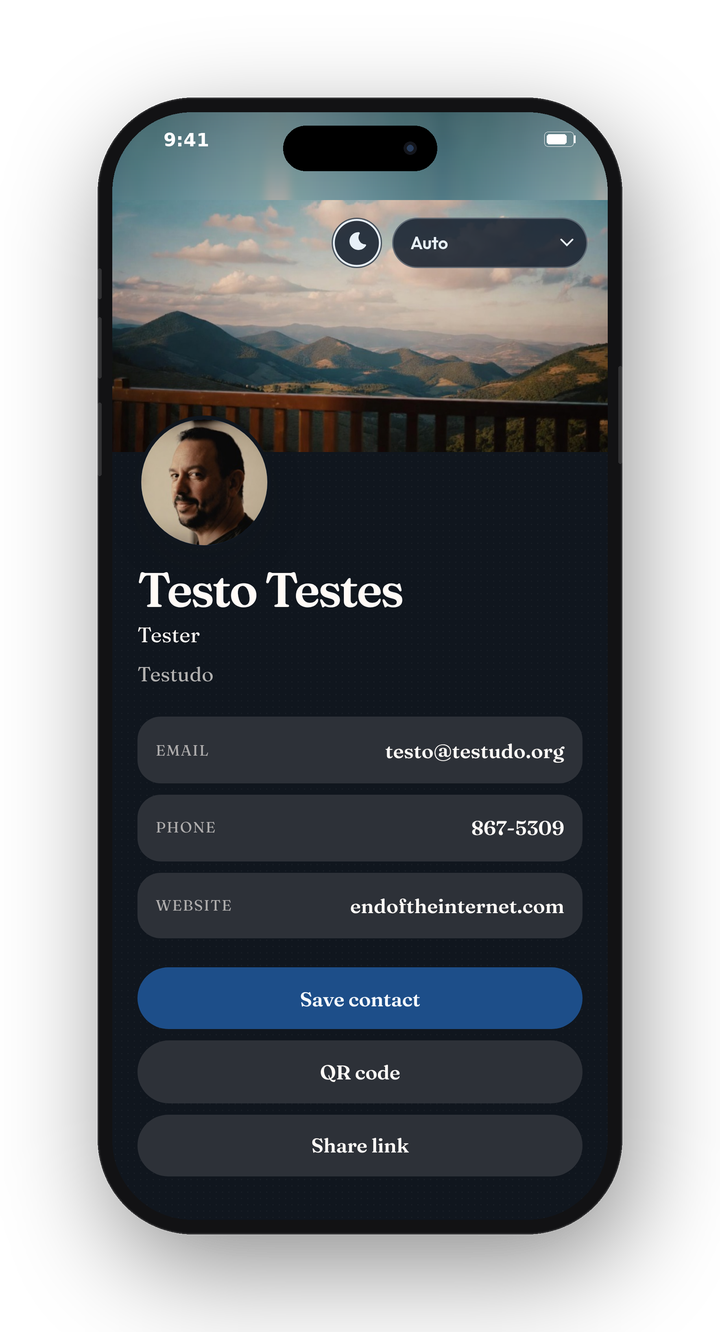
Open the public demo card, or sign in to the demo admin to explore the full UI. Hosted at cardkit-demo.olivermandic.de.
Public sample card — share link / QR as end users see it.
Open demo cardhttps://cardkit-demo.olivermandic.de/c/ck
Public demo credentials — for exploring the admin UI only. Do not reuse elsewhere.
admin@admin.adadmin678Pull-based setup with Docker Compose. Image from GHCR, host port 6969.
services:
  cardkit:
    image: ghcr.io/olivermandic/cardkit:latest
    ports:
      - "6969:8080"
    environment:
      ALLOW_SIGNUP: "true"
      # Optional: set PB_SUPERUSER_EMAIL / PB_SUPERUSER_PASSWORD via .env
    volumes:
      - cardkit-data:/pb/pb_data
    restart: unless-stopped

volumes:
cardkit-data:docker compose pull && docker compose up -d
http://<host>:6969 — create an account, then a card.
ALLOW_SIGNUP=false and recreate the container.
Stacks → new stack → paste Compose → Deploy. Leave the image name unchanged.
Create a Compose project, use the same service block, publish port 6969.
Create a project, load the YAML, keep the volume for /pb/pb_data.
cardkit-data volume.
Put HTTPS in front of port 6969 for the PWA offline cache (Caddy/Traefik).
Image: ghcr.io/olivermandic/cardkit:latest.
CardKit’s UI ships in these locales (from the app).